
Ideallya Data
The foundation for useful services.
Ideallya Data collects and organizes data and connections that the tools can build on. Selected data. Agreed purposes.
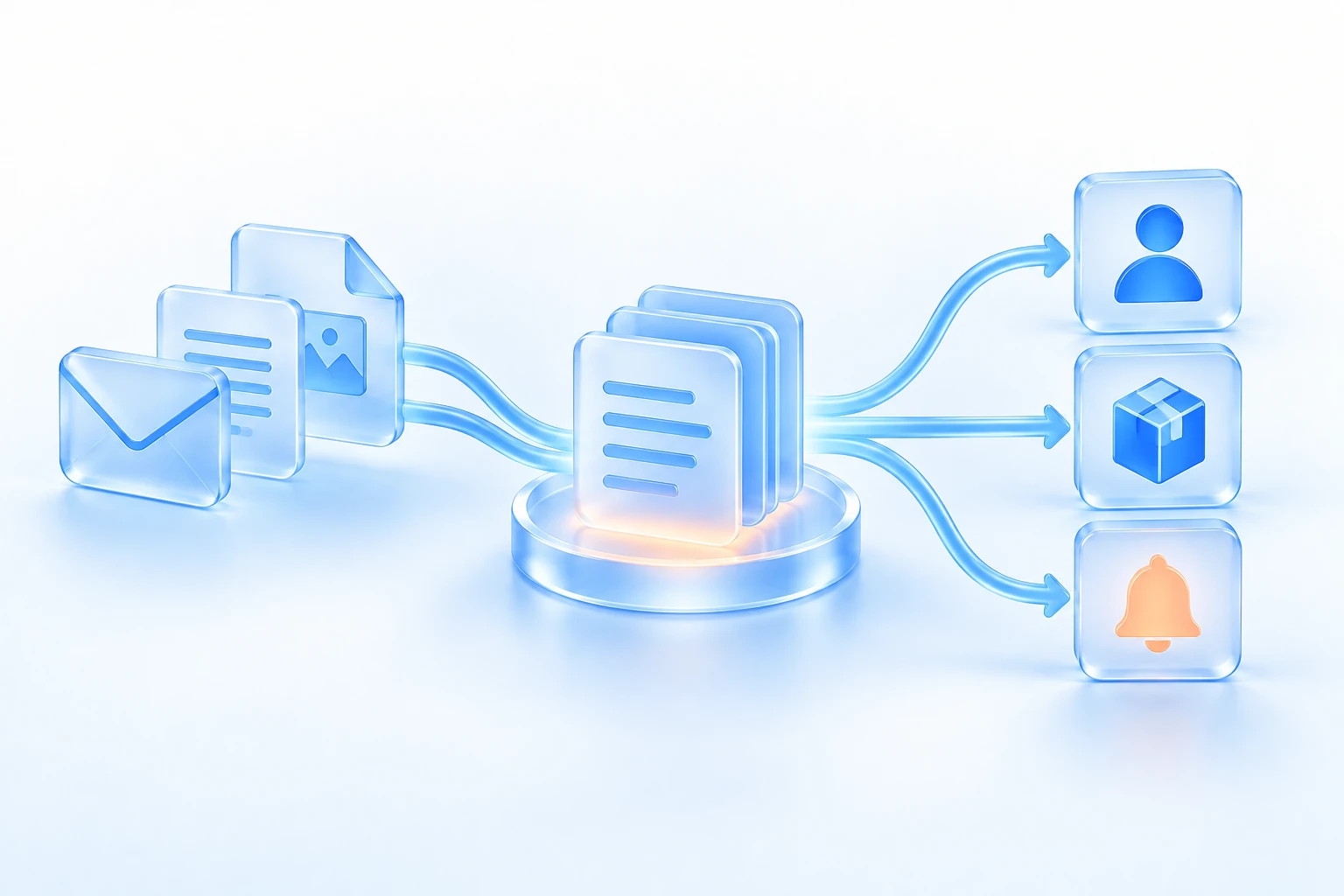
A shared foundation
Sources, structure and connections between pieces of information can be used in more than one service. As that foundation improves, more concrete tools can benefit from the work.
Data is the fundamental data hub in Ideallya. But one shared idea does not mean that all services store everything in the same place or automatically get access to each other's information.
Use your own data with MyData
MyData is a separate service for collecting your own data and finding information in it with AI. It shares your Ideallya Data capacity with the other services.
Start with a record you can actually inspect
Open Ideallya Data and sign in. The data browser shows the records and collections available to your account. Choose a record you recognize from your use of a service and compare its values with what you expect.
Ask three concrete questions: Is the information correct? Which service needs it, and for what purpose? Who can explain its origin and access? The data browser provides a way into the stored information. The relevant service must explain why it uses that information.
If something looks wrong, contact us with the service name and a description of the issue. Avoid sending a full copy of your data.
From source to concrete use
Understand the source
Identify the information, its origin and what it can be used for.
Choose relevant context
Connect what the task needs, within clarified limits on use.
Use it in a tool
Make it easier to read a news story, find content or assess a mission.
Clear boundaries between services
Missions, for example, has its own solution for its usage data and limited collection of shared source data. Other services may have other needs. This boundary should be visible in the explanation of how data is used.
A foundation under development
The Data portal shows the work on the foundation. Features such as self-service management and revocation of access are part of the development direction; we do not present them here as finished controls. See the current status in Data, or contact us about a concrete need.